
Build vs Buy Automation for Finance and Operations Teams: A Capital Allocation Framework
Filed under
Build vs Buy Is a Capital Allocation Decision
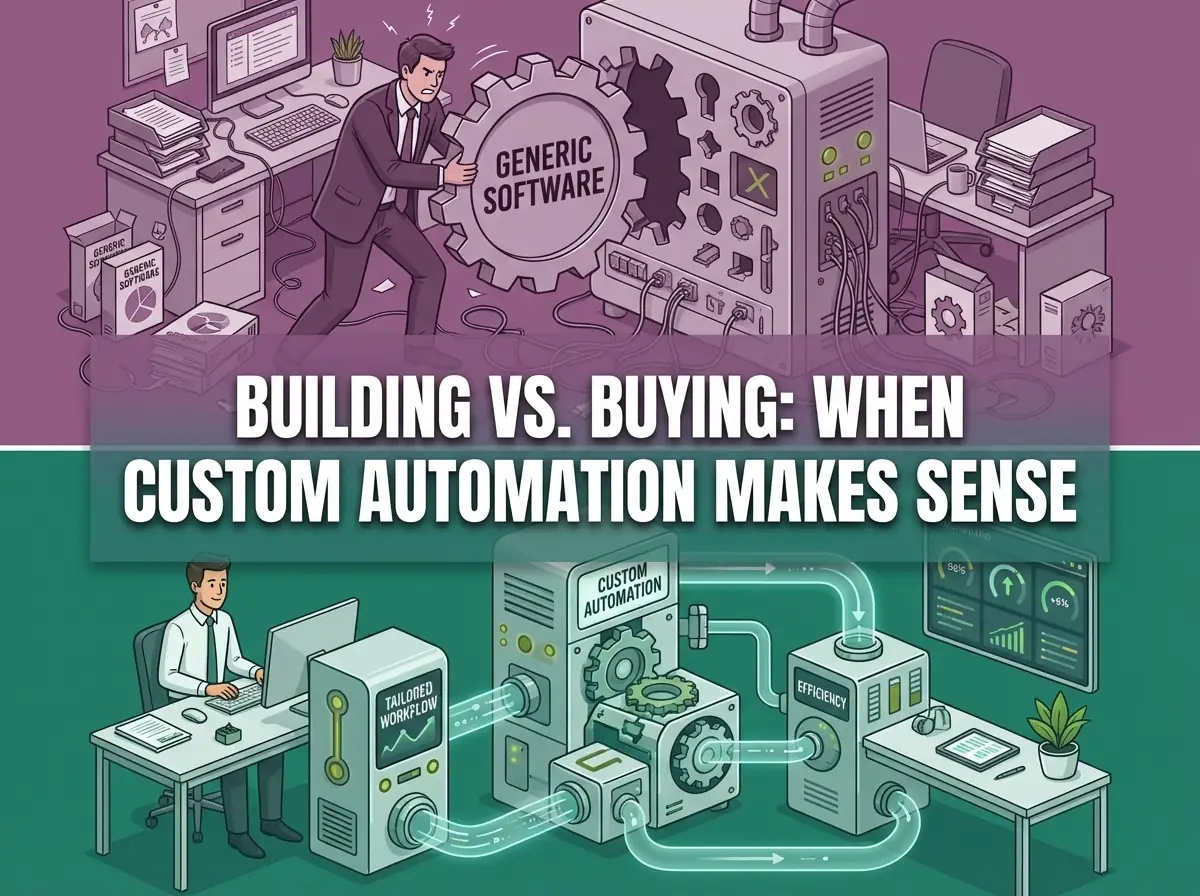
An automation decision starts with the cost of running the workflow today and the cost of maintaining its replacement.
Build vs buy is not a technology debate. It is a capital allocation decision. If a workflow does not materially affect revenue, margin, or operational risk exposure, it should not be automated yet.
My bias is simple: buy the system of record, build the control layer when your workflow is specific. I would not rebuild Xero, NetSuite, MYOB, or D365. I would build around them when AP exceptions, approval evidence, supplier controls, or reporting bridges no longer fit a generic product.
In finance and operations, that test filters quickly. Invoice exception handling, supplier payment controls, month-end close, and cash visibility are not generic workflows. They carry audit risk, cash risk, and control risk. The tooling decision matters.
The Default Path: Buy Software
Buying software is the right starting point for most workflows.
If you are evaluating payroll, standard accounting, HR onboarding, or commodity task management, generic tooling works. The workflow is well-understood, vendor implementations are mature, and adapting your process to the product is reasonable.
The case for buying is:
- predictable cost
- vendor-maintained infrastructure
- established integrations with common systems
- less custom development, while configuration, integrations and maintenance still need owners
If the workflow is generic and integration depth is shallow, buying is rational.
Where Buying Breaks Down for Finance and Operations Teams
SaaS becomes inefficient when the workflow is:
- high-volume and repeatable with strict accuracy requirements
- deeply integrated across multiple systems (ERP, bank, payroll, approval chains)
- subject to audit or regulatory scrutiny
- margin-sensitive enough that error rates create material exposure
- specific to how your team operates, not a generic process model
At that point, you are not buying convenience. You are outsourcing operating advantage to a product that was not built for your exact requirements.
Australian finance teams working across Xero, MYOB, NetSuite, D365, and mixed bank exports often hit this wall. The vendor tool handles the clean path. Your actual process includes exceptions, multi-format file intake, reconciliation edge cases, and approval chains that do not fit a standard module.
The Hidden Variable: Data Readiness
Before the build vs buy question, there is a data readiness question.
If your source data is spread across disconnected systems, inconsistently structured, missing validation logic, or inaccessible without manual extraction, neither path works cleanly. The SaaS tool ingests inconsistent inputs. The custom layer has nothing reliable to route.
Define the data contract before estimating the build: required fields, validation rules, ownership and failure handling. The work involved depends on the systems and records you need to reconcile.
If accounts payable invoice throughput is the bottleneck, this is where an invoice data extraction architecture usually becomes the first practical automation target. Controlled intake quality is the foundation both paths depend on.
Build Only When the Numbers Support It
Before deciding to build, quantify the workflow economics:
- hours per workflow instance, fully loaded
- error rate and rework time under current process
- audit exposure from manual handling
- throughput ceiling under the current structure
- revenue or cash decisions blocked by operational lag
If you cannot calculate the delta, defer build decisions until you can. Automation without a measurable objective is difficult to justify and harder to govern once shipped.
For month-end close specifically, the Cost-to-Close Calculator estimates close costs. Other workflows need their own time and rework baseline.
When Custom Automation Becomes Rational
Custom automation makes sense when most of the following apply:
- the workflow is repeatable and predictable, not genuinely bespoke
- volume is increasing or is already above a threshold where manual handling creates recurring risk
- integration across multiple systems is required and no vendor covers the full chain
- manual handling introduces material audit, cash, or reputational exposure
- the process directly affects close quality, cash visibility, or payment controls
In those cases, a focused automation layer often outperforms a broad SaaS platform. For founders and small teams, the same logic applies earlier than most expect. Why small businesses hit the automation breaking point explains where the pressure concentrates first.
This is not a statement that SaaS is wrong. It reflects that your specific workflow may not fit a generic product's assumptions.
What Building Actually Means
Building does not mean recreating an enterprise suite. It means engineering a controlled layer that:
- connects your existing systems through defined contracts
- enforces validation rules deterministically
- routes structured data with explicit exception handling
- logs every state transition for audit readiness
- fails explicitly rather than silently degrading
For a finance team, that often looks like: secure file ingestion from bank and ERP sources, a normalization layer that handles format variance, deterministic validation rules, an exception queue with clear ownership, and controlled ERP writes with approval checkpoints.
That is the same architecture whether the workflow is AP processing, month-end close, or cash flow visibility. See how this plays out in practice on the delivered systems page.
A Practical Test
You are likely in build territory if:
- recurring volume makes the measured handling cost worth addressing
- manual reconciliation consumes meaningful finance or ops leadership time
- integration gaps cause repeat errors or audit questions
- volume growth increases fragility rather than confidence
- the workflow is part of your operational differentiation
These are decision prompts, not a scoring threshold. Compare a configured product against a scoped build using the same requirements and ongoing costs.
Building early without clear constraints adds avoidable complexity and ongoing maintenance overhead.
Example: Regulated and High-Volume Workflows
In regulated environments, submission pipelines, compliance workflows, and audit-sensitive reporting tighten the build case further. These workflows need strict schema handling, lifecycle state management, deterministic validation, and complete audit trails. That is not a feature toggle inside a generic platform.
If you want the failure mode at scale, see why manual compliance fails at volume or the EUDR compliance bridge case study.
Common Questions
When should we build custom automation?
When the workflow is repeatable, volume is above a threshold where manual handling creates recurring risk, integration across multiple systems is required, and manual errors produce audit or cash exposure. If fewer than three of those are true, start with SaaS.
When does SaaS break down for finance workflows?
When your actual process includes format variance, multi-system integration, exception handling, and approval chains that do not fit the vendor's predefined model. You end up adapting your controls to the tool instead of the other way around.
What is the real maintenance cost of custom automation?
It depends on scope and design quality. A narrow, well-scoped automation layer with clean interfaces and explicit validation rules has lower ongoing cost than a sprawling integration built on brittle assumptions. Rule of thumb: maintenance cost tracks with scope, not technical sophistication.
Do we need to replace our ERP to benefit from custom automation?
No. Most custom automation in finance adds a controlled layer over existing systems: ingestion, normalization, validation, routing, and exception management. It does this without displacing the ERP or accounting tool as the system of record.
Next Step
If you are evaluating whether a workflow justifies custom infrastructure, start with workflow economics before architecture decisions.
Map the manual steps, error rates, and time cost. If the delta is material, the build case becomes clear. If it is not, buying is probably correct.
For finance workflows, start with the workflow automation model before committing to either path. It maps the common free assets, control checks, and client-project threshold.
Book a scoping call to map your workflow before committing to either path.
Want us to map one live finance or compliance workflow?
Bring one finance or compliance workflow. We will map the current process, find where controls are missing, and recommend the smallest useful build scope.